How Our IDX Broker Templates Work
See what our templates look like on live pages, which IDX Broker page each one fits, and how to activate them in your account.
Written by IDX Plugin, an independent IDX Broker Developer Partner, not affiliated with IDX Broker.
On this page
In short
- Your search, results and listing pages run on our templates.
- Set colors and typography once and those pages follow.
- The supporting IDX Broker pages take the same styling.
- The templates cost nothing; assigning us is free.
Your IDX Broker account generates a whole set of pages from your MLS access: search results, single property pages, your own listings, the search forms, plus supporting pages like contact, mortgage calculator and home valuation. Each of those pages is displayed through a template, and only one template can be active per page.
That is where we add our value. The IDX Broker Developer Partner program lets developer partners build their own templates and publish them into client accounts, and we used that to design a new, consistent set of layouts for the key pages. For the supporting pages we style the templates IDX Broker provides, so the whole set follows the colors and typography you define once.
See the templates live
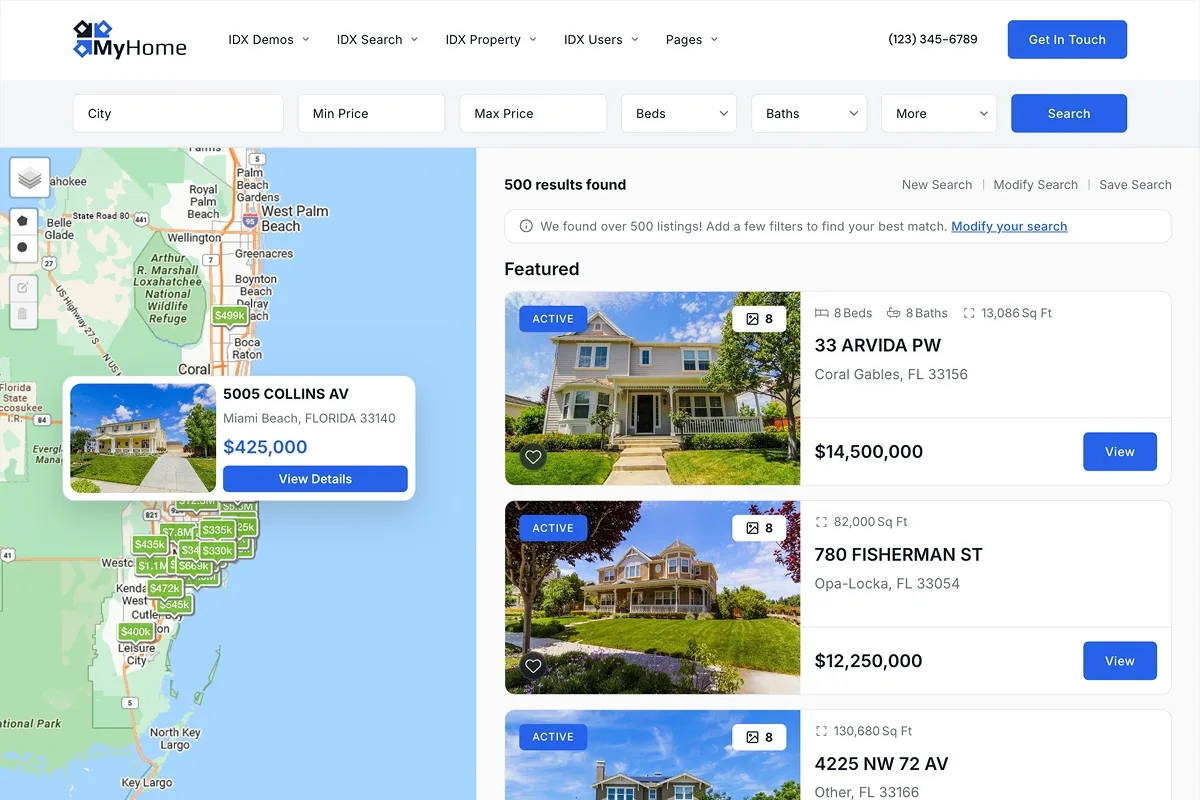
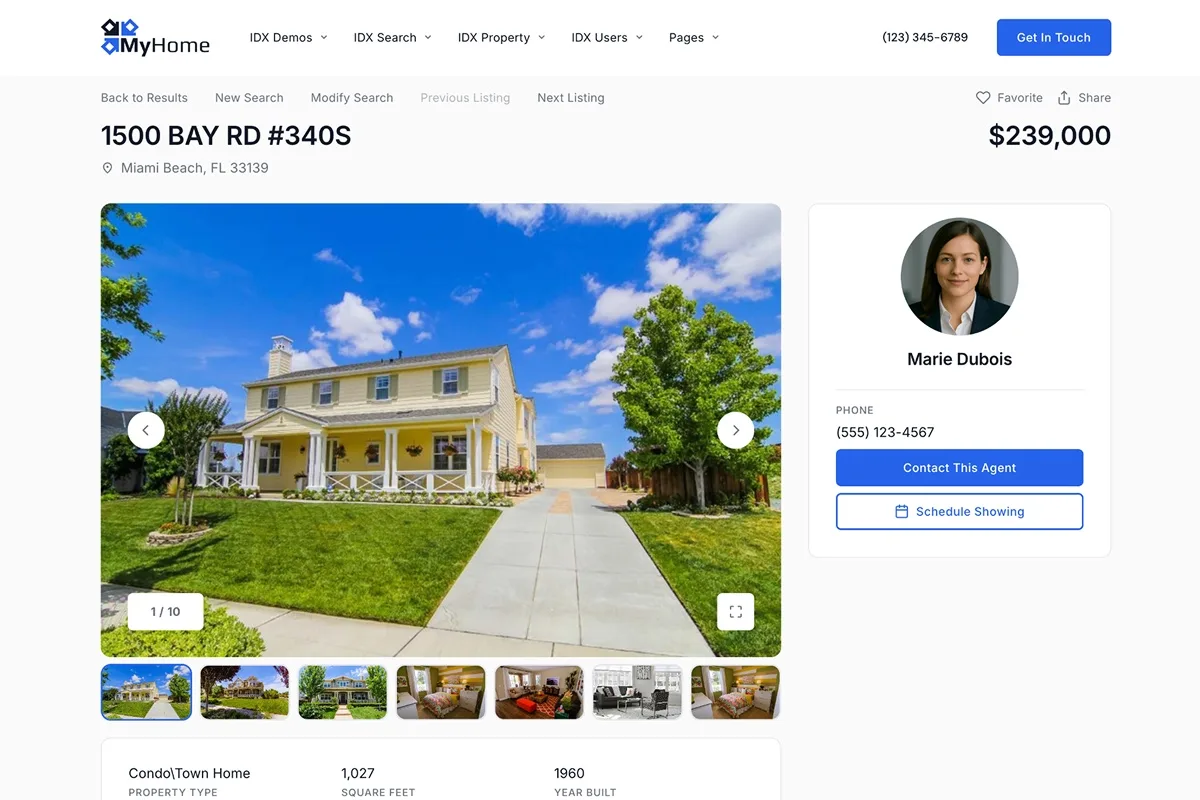
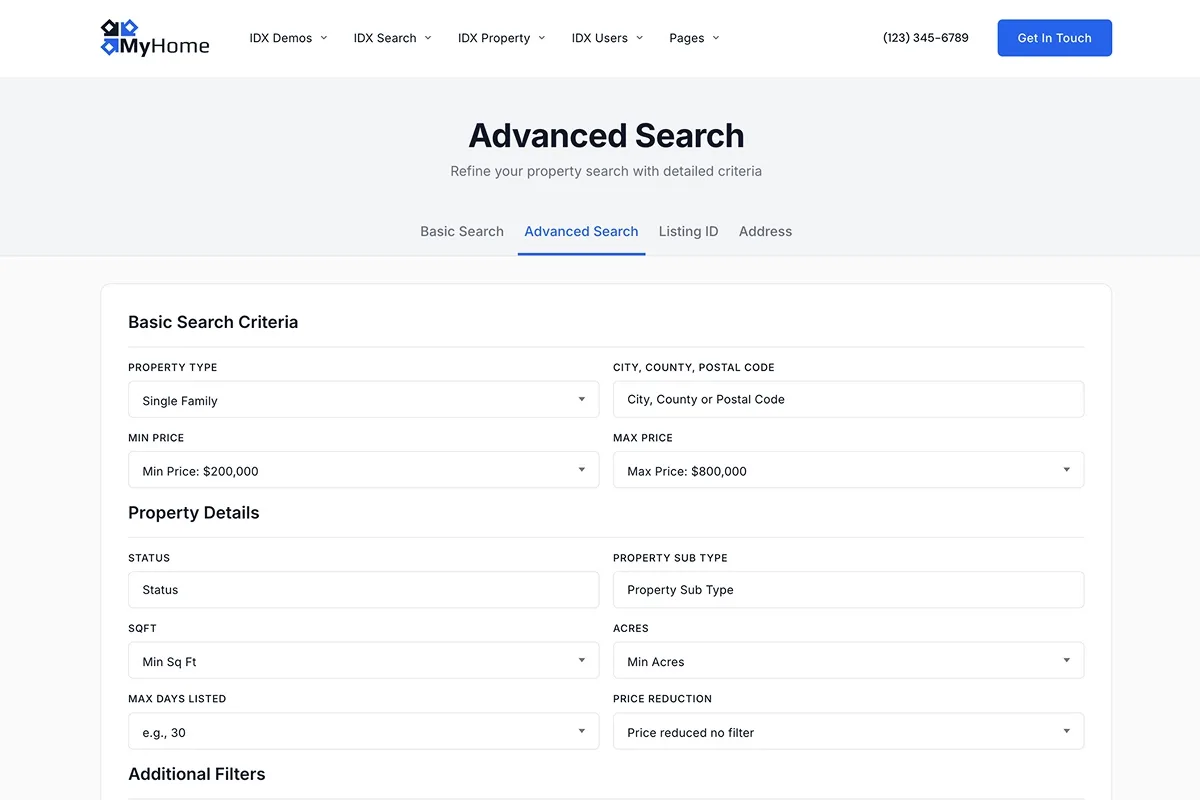
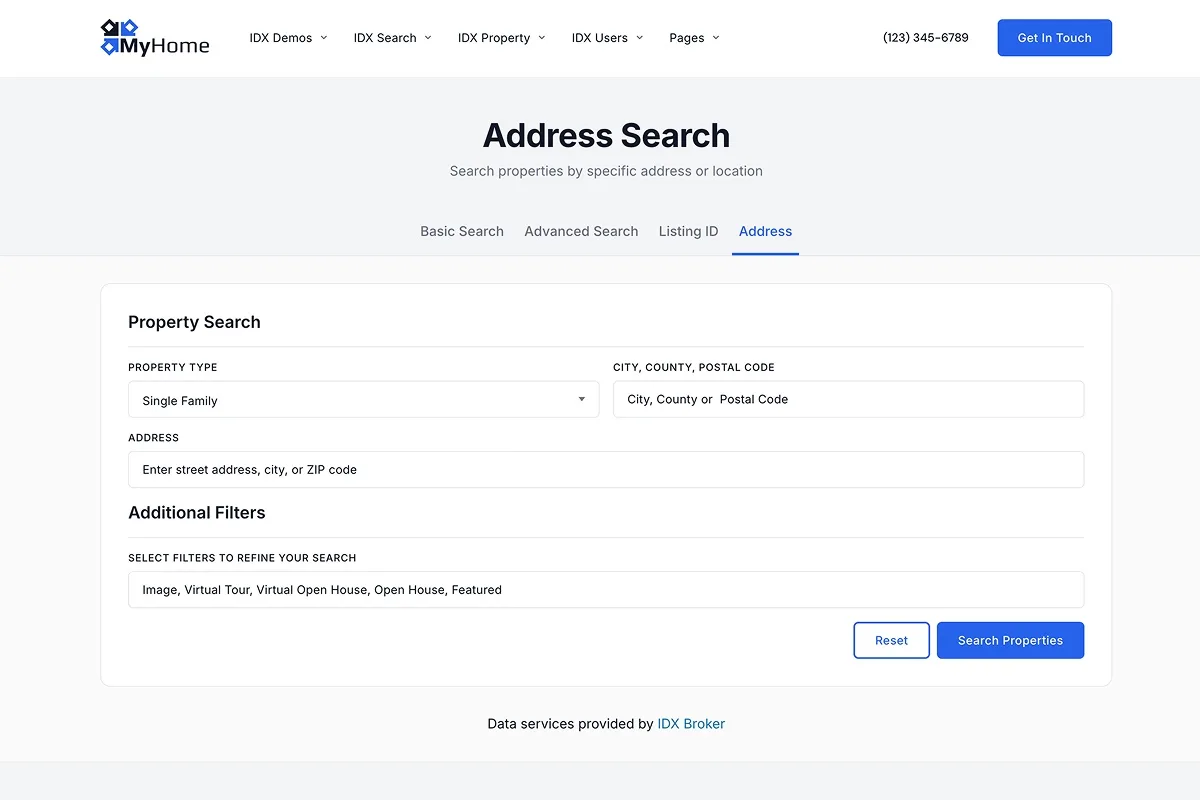
The fastest way to understand what you get is to open the pages. Each image below links to the live page it shows, running on our templates with listings from our demo IDX Broker account, exactly as your visitors would see it. Click any of them to open it.
One design across every page
Colors, typography, spacing and effects live in one place: Global Styles. You set them once and every page on a supported template follows, with no CSS and no page-by-page editing.
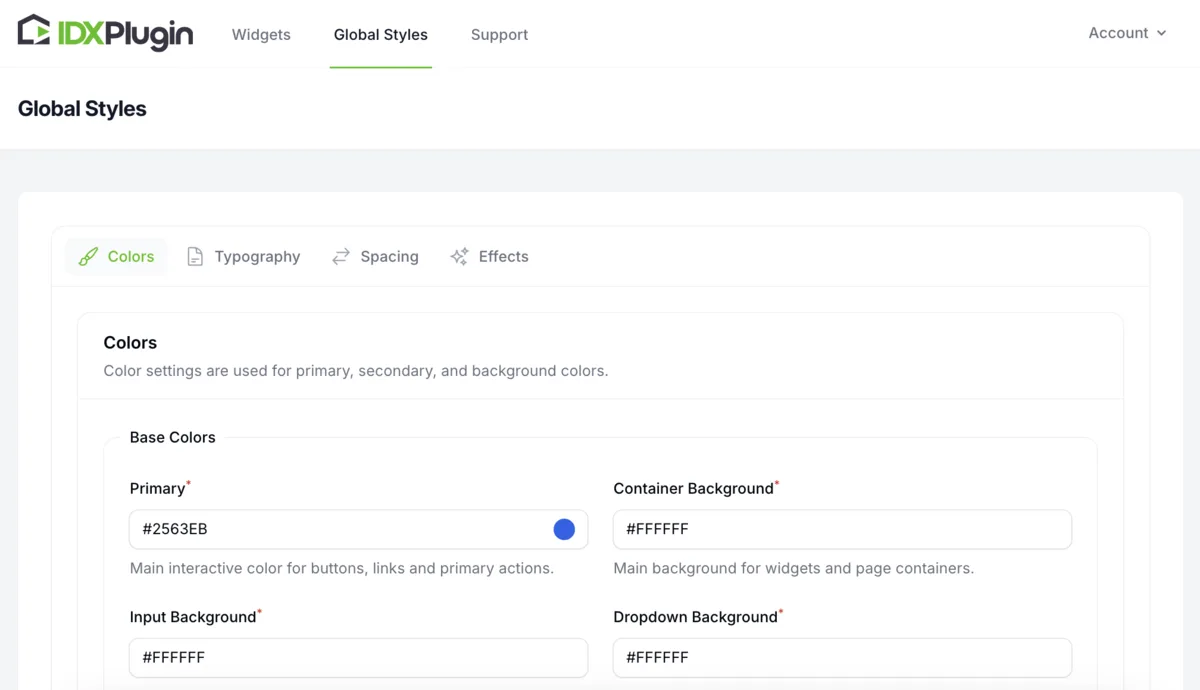
To see the range you have, compare the same results page on the same template under two different style settings: a modern style with a clean, light palette, and a luxury style with a darker, high-end look. Only the Global Styles differ.
Our templates, page by page
These templates are built by our team and published into IDX Broker accounts that have IDX Plugin assigned as the developer partner. There is no extra cost for them. Open any of them to see the page before you decide.
| IDX Broker page | Template to select | See it live |
|---|---|---|
| Results | IDX Plugin Results | Open |
| Details (single listing) | IDX Plugin Details | Open |
| Advanced Search | IDX Plugin Advanced Search | Open |
| Basic Search | IDX Plugin Basic Search | Open |
| Address | IDX Plugin Address | Open |
| Listing ID | IDX Plugin Listing ID | Open |
| Roster | IDX Plugin Roster | Open |
The supporting pages
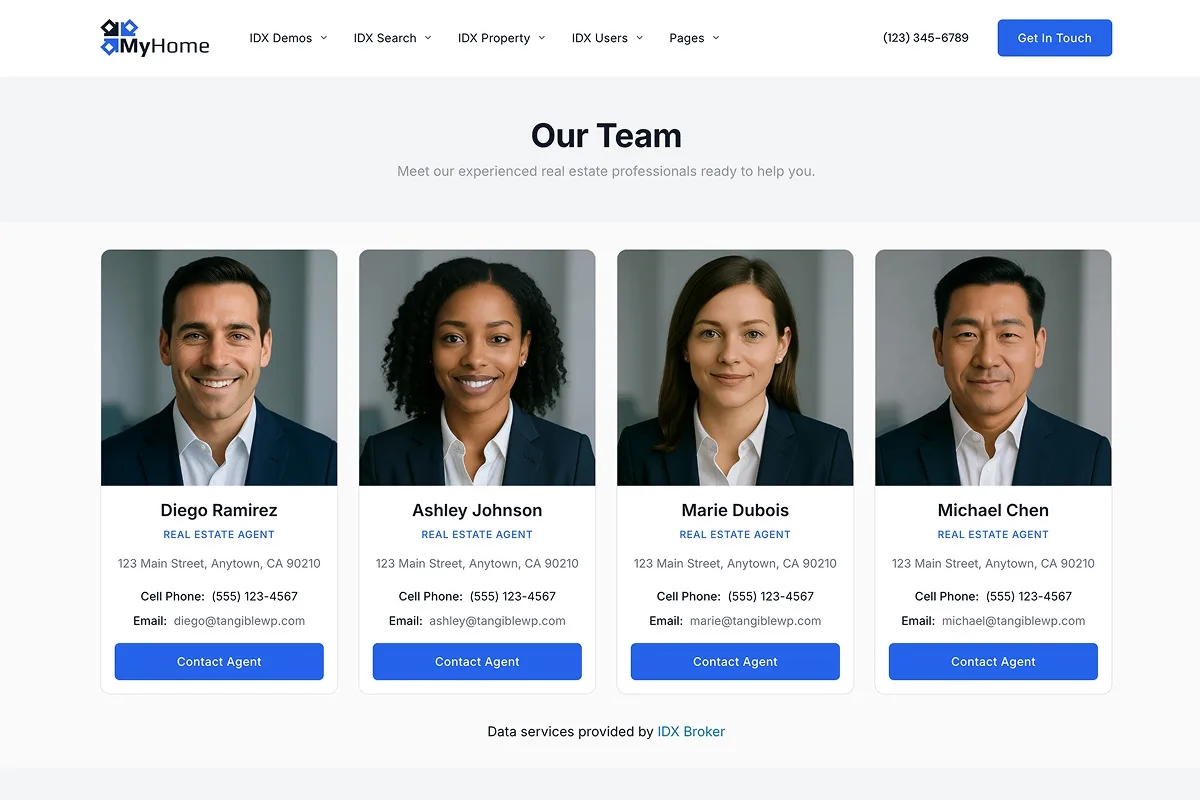
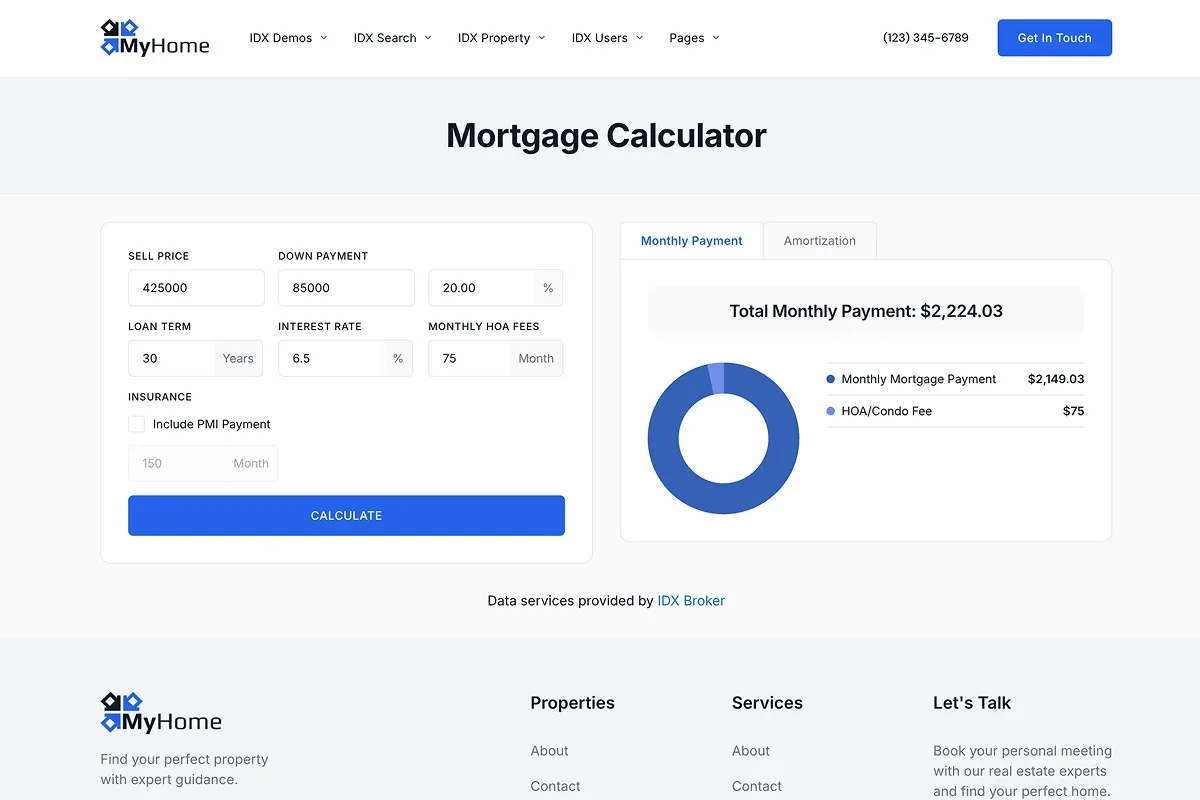
Contact, mortgage calculator, home valuation and the account pages keep the templates IDX Broker provides. We style those to your colors and typography so they match the rest of your site. The full list of which template to select on each, plus the switch that turns the styling on, is in Style Built-In IDX Broker Templates with Global Styles.
Test the styling before you connect anything
You do not have to decide anything upfront. With your IDX Broker API key alone your ready widgets already work, and your Global Styles reach the supporting pages once you select the template we list for each, as set out in Style Built-In IDX Broker Templates with Global Styles. That is the 30-day IDX Plugin test, and the whole thing is covered in Test IDX Plugin with Just Your IDX Broker API Key.
Our custom templates for search, results and the listing page are the part that needs one extra step: assigning IDX Plugin as your IDX Broker Developer Partner in IDX Broker. It is free, and you start it from the assignment page in your IDX Plugin dashboard. After that our templates appear in your template list and you activate them page by page, as shown below.
You already have IDX Broker. The templates are included.
Assign IDX Plugin as your IDX Broker Developer Partner and our templates appear in your account, ready to activate. Your MLS access, your listings, your leads and your subscription stay exactly as they are, and we can set the pages up with you.
Assign us, it's free No extra invoice. You only pay IDX Broker.How to activate a template in IDX Broker
Each page needs its template activated once. The example below uses the Address page, and every other page works the same way.
-
1
Log in to IDX Broker
Open your IDX Broker account at middleware.idxbroker.com.
-
2
Go to your pages
Open Design › Pages, or go straight to middleware.idxbroker.com/mgmt/pages. You will see a table with every IDX page.
-
3
Edit the layout of the page
Find the Address row and click Edit in the Layout column. Take care not to open Preferences instead, the template list is under Layout.
-
4
Look through the available templates
IDX Broker shows every template available for that page, including ours once your account is connected to us.
-
5
Check which one we recommend
Open the IDX Broker Templates page in your IDX Plugin dashboard and read the Template to select column. For the Address page it is IDX Plugin Address.
-
6
Activate it
Click Activate on that template. The button changes to Active, the card turns green and it becomes your current template.
-
7
Repeat for the other pages
Go back to the pages list, open the layout of the next page (Results, then Details, then the search pages) and activate the template we list for it.
-
8
Compare with our demo
On the IDX Broker Templates page each row has two links: Demo preview and View your page. Open both side by side. With the right template selected they show the same design, in your own colors and typography.
Common questions
No IDX Broker account yet?
Create a free IDX Plugin account and we take it from there: we help you get IDX Broker set up, connect it to the website you already have, or launch a complete new one for you.
Get Started, it's free You only pay IDX Broker. The $100 setup fee is waived through us.