Global Styles, One Look for Everything
Where to set the look of your search forms, listing cards and IDX Broker pages, and what each tab controls.
Written by IDX Plugin, an independent IDX Broker Developer Partner, not affiliated with IDX Broker.
On this page
In short
- Search, listings and IDX Broker pages all match your brand.
- Colors, typography, spacing and effects live in one place.
- Set it once, with no code and no theme files to touch.
- We can match it to your website for free, if you prefer.
Why one system matters
This is what keeps your whole IDX experience consistent. Your search forms, your listing widgets and cards and your IDX Broker page templates all read from the same settings, so the look and feel stays the same across the widgets and the IDX Broker pages. You set it in one place, with no code and no theme files to touch.
The form and the cards below are live, running on our demo IDX Broker account. The colors, the typography, the spacing and the effects all come from a single set of Global Styles.
What you control, tab by tab
Colors
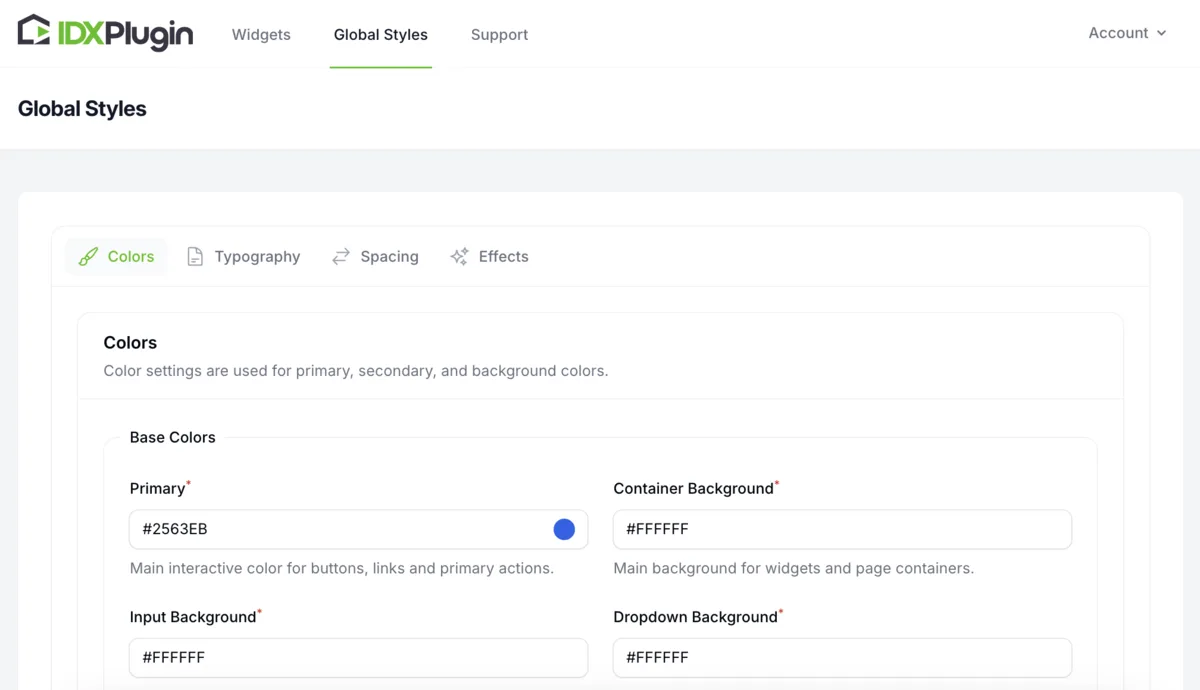
Color settings are used across widgets and IDX templates, grouped so you always know what a change affects: your brand colors for buttons, links and primary actions, text colors for headings and supporting content, backgrounds for the page, cards, inputs and the refinement search bar, the standard border color, and a separate group for the page header, down to the active tab and its underline.
Typography
Pick a heading font and a body font from the Google Fonts library, then tune sizes, weights, line heights and letter spacing per text role: large, medium and small headings, standard and secondary text, labels and buttons. Headings have separate mobile settings, so the type stays readable on small screens.
Spacing
Spacing tokens control padding and margins throughout the templates, with separate mobile values. The same tab also sets component dimensions, like form control height and button padding, and the layout width of boxed IDX page content for desktop, tablet and mobile.
Effects
Effects set the finish of the design, applied the same way to the cards, the sections and the results page. Colors, typography, spacing and effects live in one place: Global Styles.
Two very different looks, same system
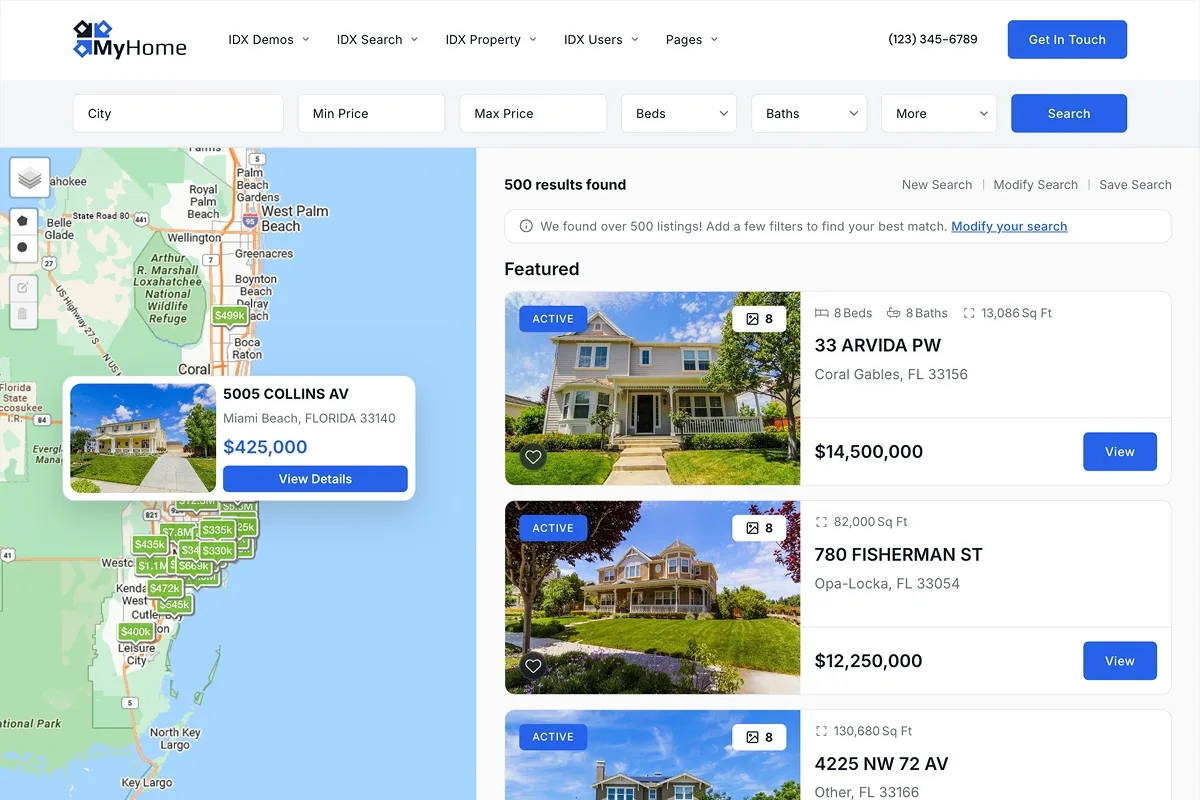
The same pages and widgets can take on completely different looks from these settings alone. Compare a modern style with a clean, light palette against a luxury style with a darker, high-end look. Only the Global Styles differ. Open both and click through the real pages to see the range you have over your own site.
We can set it up for you, free
You do not have to configure any of this yourself. Our specialist will gladly match Global Styles to your existing website for free, just send us the address. No website yet? Send a short brief instead, a site you like, your brand colors, the feel you are after, and we prepare a unique style concept for you. Either way, we fine-tune the result with you. Write to support@idxplugin.com.
Go further on a single widget
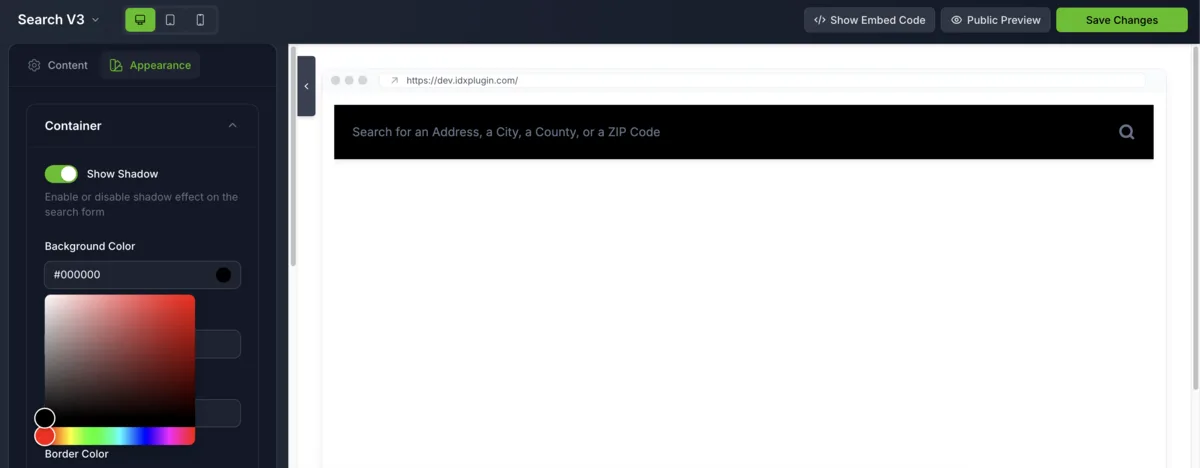
Need a special look for one page? Open that widget in the Live Editor and fine-tune it visually without changing the rest of your site. The editor is covered in Adjust Search Form Fields and Appearance.