Adjust Search Form Fields and Appearance
If a form shows fields your market doesn't need, or the look is off, this is where you fix it.
Written by IDX Plugin, an independent IDX Broker Developer Partner, not affiliated with IDX Broker.
In short
- Show only the fields your market actually searches on.
- Build a lean landing page form and a full homepage one.
- One form can look different without changing the rest.
- Edits reach the live embed without re-pasting code.
Reorder and remove fields
Every layout from Search Forms, Every Layout Explained opens in the Live Editor in your dashboard. You decide which fields appear and in what order: drag to rearrange, remove what your market does not need, and watch the form update in the preview as you work, including mobile view. A lean form for a landing page and a full one for the homepage can be two widgets built from the same layout.
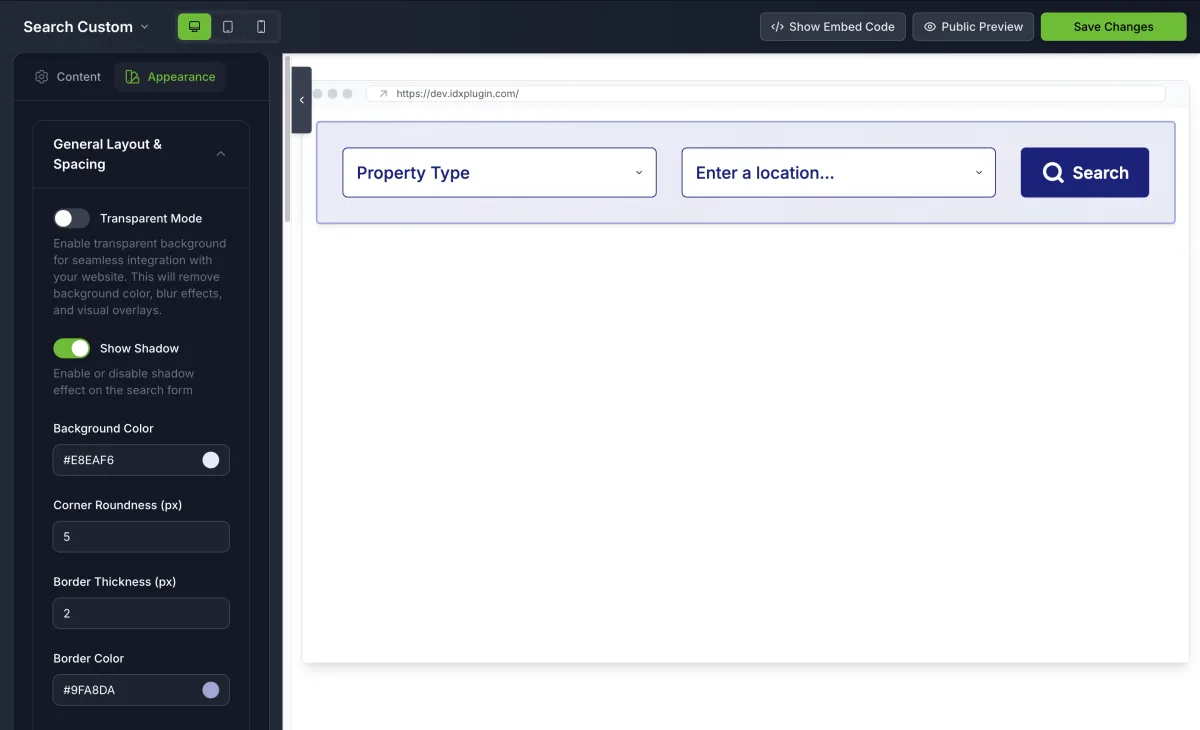
This is a finished form, live on this page. Open the price and the beds and baths filters to see the fields you would be arranging in the editor.
Two levels of styling
Colors, fonts and spacing come from Global Styles, so every form matches your brand without extra work. On top of that, each widget has its own Appearance tab for the exceptions. Those changes apply only to that one widget.
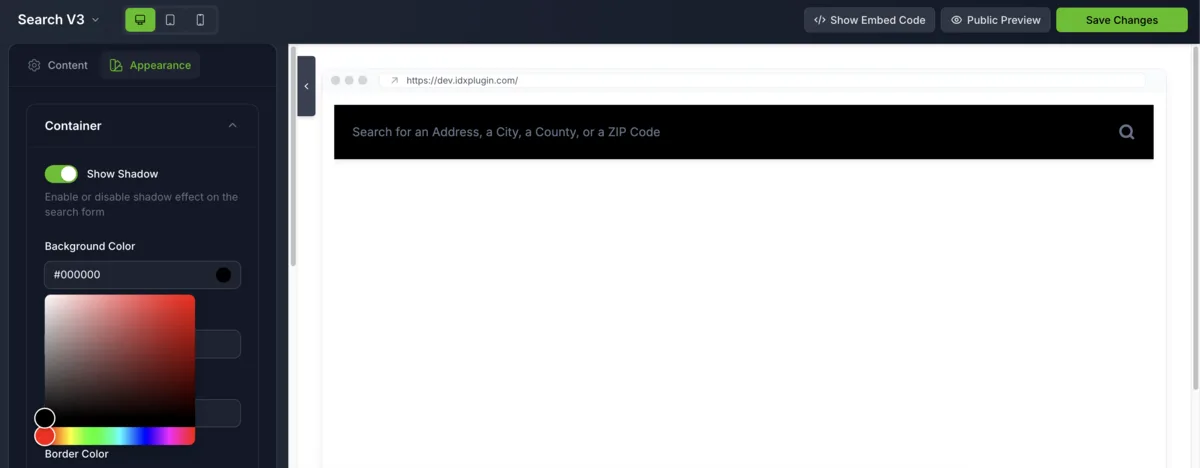
The same search engine with a different field set and its own look. Both forms on this page come from one account.
The embed points at the widget
The embed code on your website points at the widget, not at a copy of it, as explained in Find and Paste Your IDX Embed Codes. You can see a finished form in place on our demo site.
Already on IDX Broker?
Create a free IDX Plugin account, add your IDX Broker API key and open any form in the Live Editor. Prefer not to touch it at all? Tell us how the form should look and we set it up for you.
Get the widgets, it's free No extra invoice. You only pay IDX Broker.