How IDX Plugin Works
What your IDX Broker account gains from IDX Plugin, and the three ways to use it.
Written by IDX Plugin, an independent IDX Broker Developer Partner, not affiliated with IDX Broker.
On this page
In short
- Search, listing cards and property pages that match your brand.
- Listings come live from your IDX Broker account, nothing to update.
- Your leads land in that same account.
- It costs nothing on top of your IDX Broker plan.
What IDX Plugin is
IDX Broker holds your MLS data, generates the IDX pages and collects your leads. IDX Plugin adds its own layer on top: the search box, the listing cards your ready widgets show, the layout of the property page. These are our own designs, and they take on the look of your site and your brand.
The listings still come live from your IDX Broker account, so there is nothing on your side to refresh or maintain, and the enquiries land back in that same account. Our part is free. We are an IDX Broker Developer Partner, and IDX Broker pays us for the accounts we support.
What we build
Four pieces, made to work as one:
- Search forms. The search box on your pages, in five layouts, from a full bar down to a compact sidebar box.
- Listing widgets. Grids and carousels of listings from your IDX Broker account, with lead capture built in.
- Page templates. The search results, property and supporting pages are generated by IDX Broker, and our templates restyle them.
- Global Styles. One set of colors, typography, spacing and effects that every widget, template and page follows.
Here is one of the search forms, live on this page. Start typing a city, Miami for example, and watch how the suggestions behave. This one runs on our demo account, and on your site it runs on yours.
And a listing widget, with real cards and working lead capture. Click the favorite icon on a card to see it: the lead popup opens full screen.
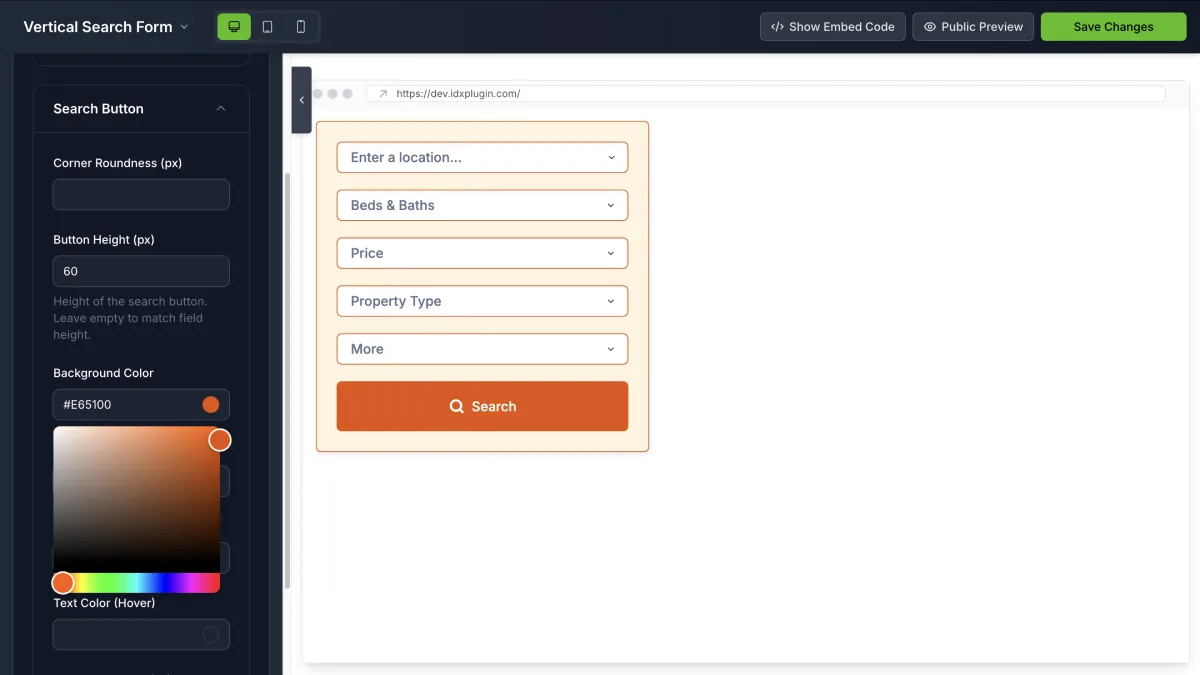
You do not build these from a blank screen. Once your account is connected, the dashboard already holds a set of ready widgets, and each one opens in the Live Editor: settings on the left, an instant preview on the right, no code involved.
Where it can go
All of it goes on a website. Which route fits depends on where your website stands today:
- The website you already have. The widgets go on your current pages, on any platform, and the templates restyle the IDX pages your search leads to. There is a guide for WordPress, Wix, Squarespace, Webflow and any other platform.
- A Complete IDX Website from us. A ready website if you would rather not build one. It runs on our servers, and we keep WordPress, the plugins and the theme updated, with backups on us.
- MyHome IDX, our WordPress theme. The free WordPress theme, for building the site yourself. The same widgets and page templates work inside it.
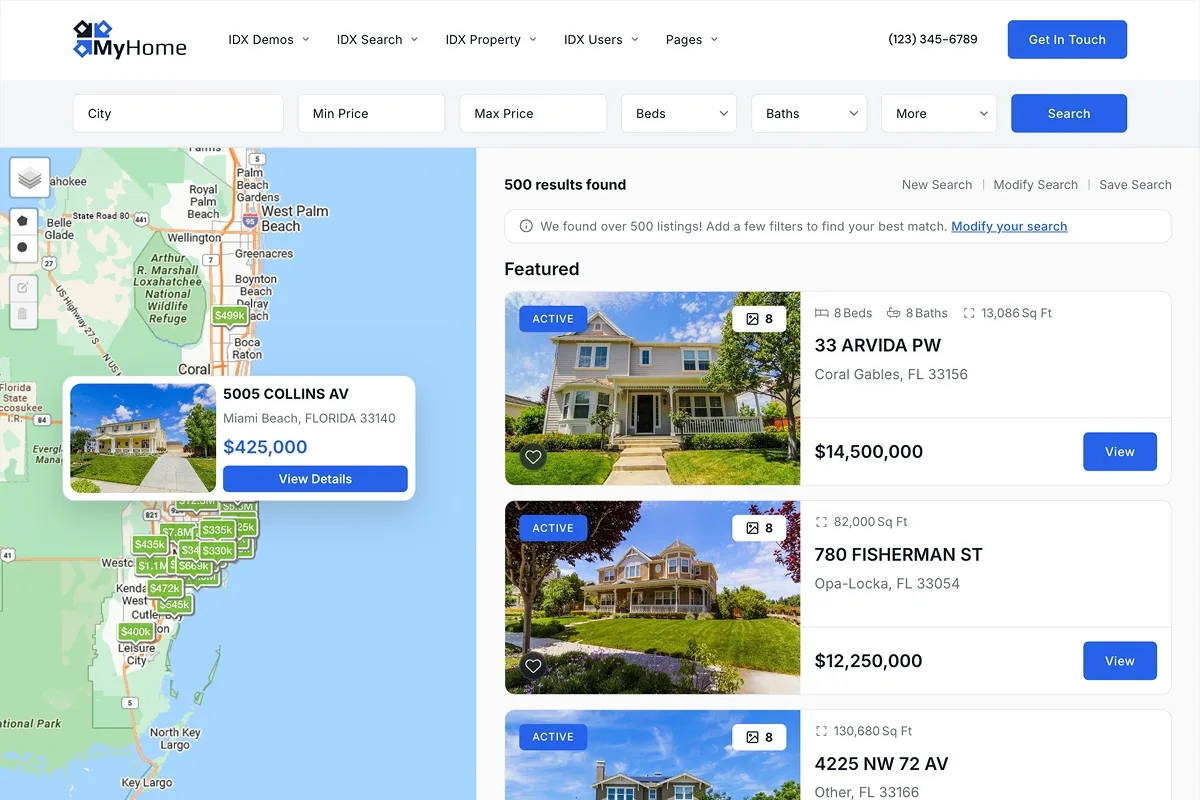
You can try it live on our demo site: run a search and follow it through to a property page.
What you need, and what it costs
You need one thing: an IDX Broker account. That subscription is your only bill. The widgets, the page templates, Global Styles, the MyHome IDX theme, the Complete IDX Website and our support are free, and there is no invoice from us.
Where to start
No IDX Broker account yet?
You can register through us. We help you pick a plan, set the account up with you and connect it, with the $100 setup fee waived through us. Start here and we take it from there.
Already on IDX Broker?
Connecting takes one thing, your IDX Broker API key: you paste it in your IDX Plugin account and about a minute later your widgets are ready, built automatically on the data from your IDX Broker account. It gives you a 30-day IDX Plugin test, and keeping everything past those 30 days is free as well, by assigning us as your IDX Broker Developer Partner, which also adds our page templates. Test IDX Plugin with Just Your IDX Broker API Key walks through it.
Rather not do it yourself?
Wherever you start, you can hand the work to us. Our support places the search and listings on your pages, matches everything to your brand and sets up the templates. Send us an email and a developer picks it up from there.
No IDX Plugin account yet?
Create one and we walk you through what comes next, step by step: connecting your IDX Broker account, or setting one up with you first if you do not have it.
Create Your AccountKeep reading