Share Your Website Privately with a PIN
How the private preview works, who can see your new website, and when it goes public.
Written by IDX Plugin, an independent IDX Broker Developer Partner, not affiliated with IDX Broker.
On this page
In short
- Show the working website to a client before anything is public.
- Nobody without the PIN can open the address.
- Reset the PIN when a review round is over and the old one stops.
- The PIN is not your IDX Broker login, so it exposes nothing else.
How private mode works
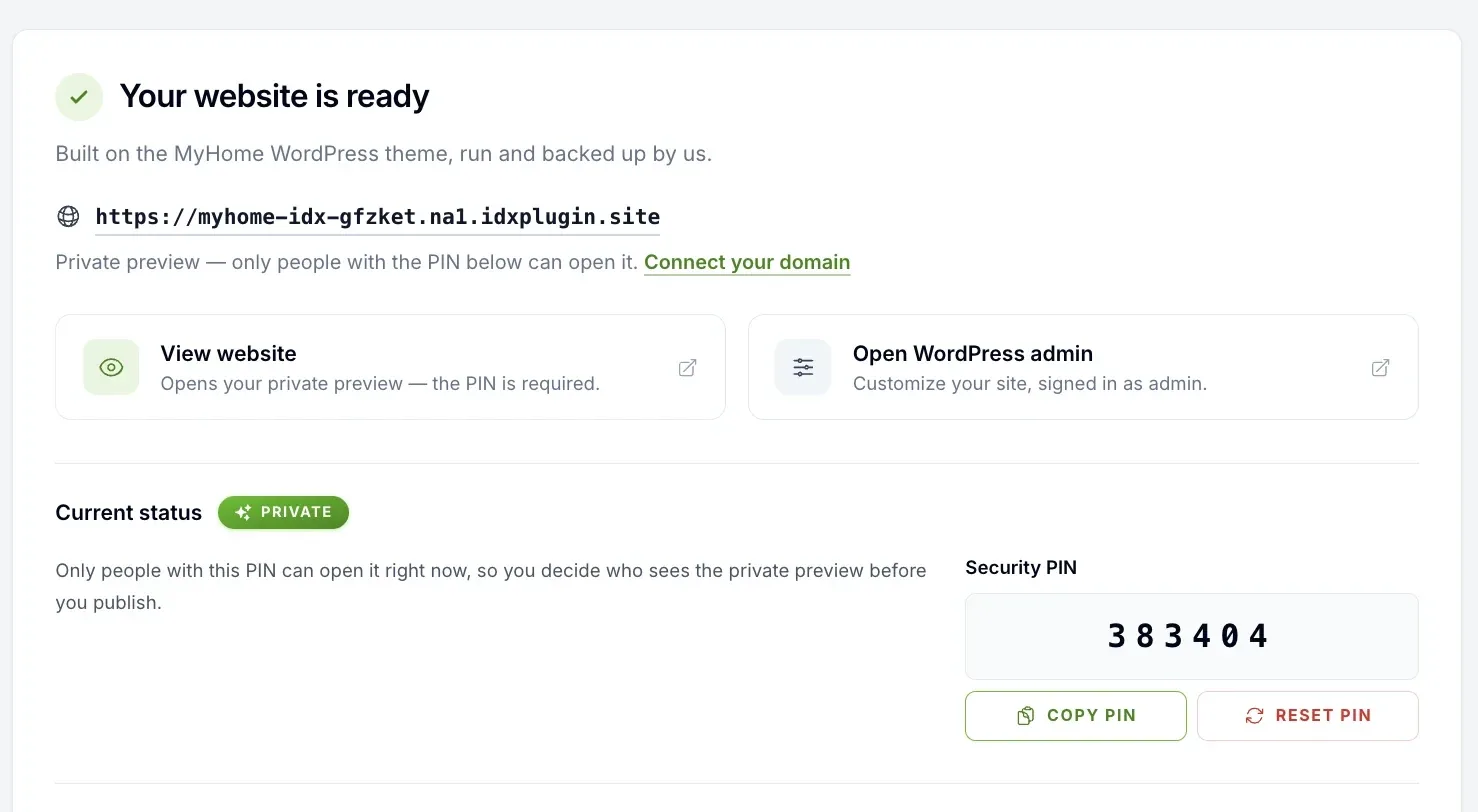
When your Complete IDX Website finishes building, it sits on a private test address that ends in idxplugin.site, and the status says Private. View website opens the preview and asks for the PIN shown next to it. Without the PIN the address does not open, so nobody stumbles onto the site before you are ready. Open WordPress admin takes you straight in as an administrator, no PIN involved.
Show it to a client before launch
The PIN exists so the preview can be shared on purpose. Send the private address and the PIN to a colleague or a client and they see the full working website, with search running on the data from your IDX Broker account, before anything is public. When the review round is over, reset the PIN and the old one stops working immediately. Copy and reset both sit right next to the address in your dashboard, and the PIN is unrelated to your IDX Broker login, so sharing it exposes nothing else.
When does it stop being private
Creating and previewing the website changes nothing on your current setup. It stays private until you publish it, and nothing about it is public during the 30-day IDX Plugin test. It goes public only when you publish it on your own domain. Even then the PIN stays active while publishing runs and is removed only after every step has succeeded, so the website is never half published in the open.
Want your IDX website live this week?
Create a free IDX Plugin account, connect IDX Broker and build the website in a few minutes. It stays private until you say otherwise, and we help with the content, the domain and the styling.
Get Started, it's free You only pay IDX Broker. The $100 setup fee is waived through us.