Why Widget Previews Show Sample Listings
Seeing sample homes in the widget preview instead of your own listings?
Written by IDX Plugin, an independent IDX Broker Developer Partner, not affiliated with IDX Broker.
On this page
In short
- Open Public Preview and your own listings appear.
- Widgets embedded on your site run on live data.
- Sample cards in the editor say nothing about your API key.
- Still off? Write to us and we check the account with you.
Why the list shows sample cards
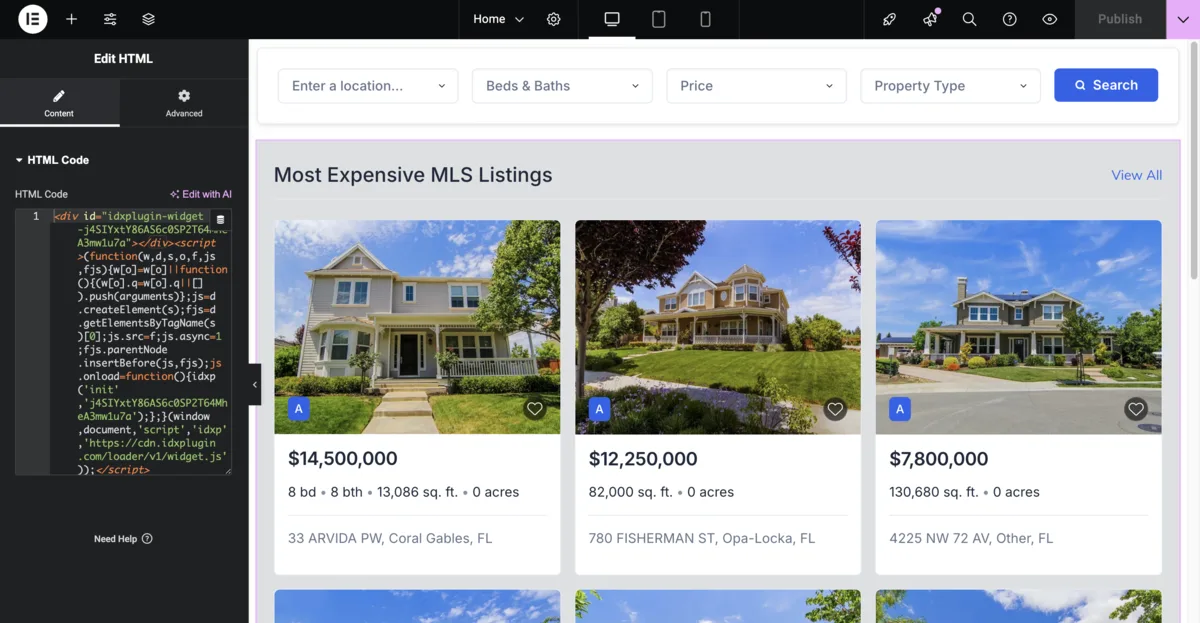
In the widget list of your dashboard, the small card previews show sample listings. That is by design: while you are editing a widget, showing your real listings on every change would mean an API call every time you touch a setting. So the editor shows sample cards while you work, and the real data is fetched once, when you save. That is what keeps the editor fast and responsive, and it is what Public Preview then shows. The samples are placeholders for the layout, nothing more, and they say nothing about your account or your IDX Broker API key, because there is no IDX Plugin account without a connected key.
See your real listings
Open the widget and click Public Preview. The opened preview renders live data from your IDX Broker account, so your own listings appear there, filtered exactly the way the widget is configured. The same is true for widgets embedded on your website: what visitors see is live data, as explained in Listing Widgets, Which One to Use.
Preview empty or showing the wrong listings?
If the opened preview shows no listings or not the ones you expected, start with the widget's own filters: a location, price range or property type that matches little or nothing in your feed. Loosen the filters and check again. If the result still does not look right, write to us and we look at the account together.
Still not seeing your listings?
Tell us which widget it is and what you expected to see.
Contact Support Or email support@idxplugin.com